User input, presets, map options, and generation settings.
Back to Selected Systems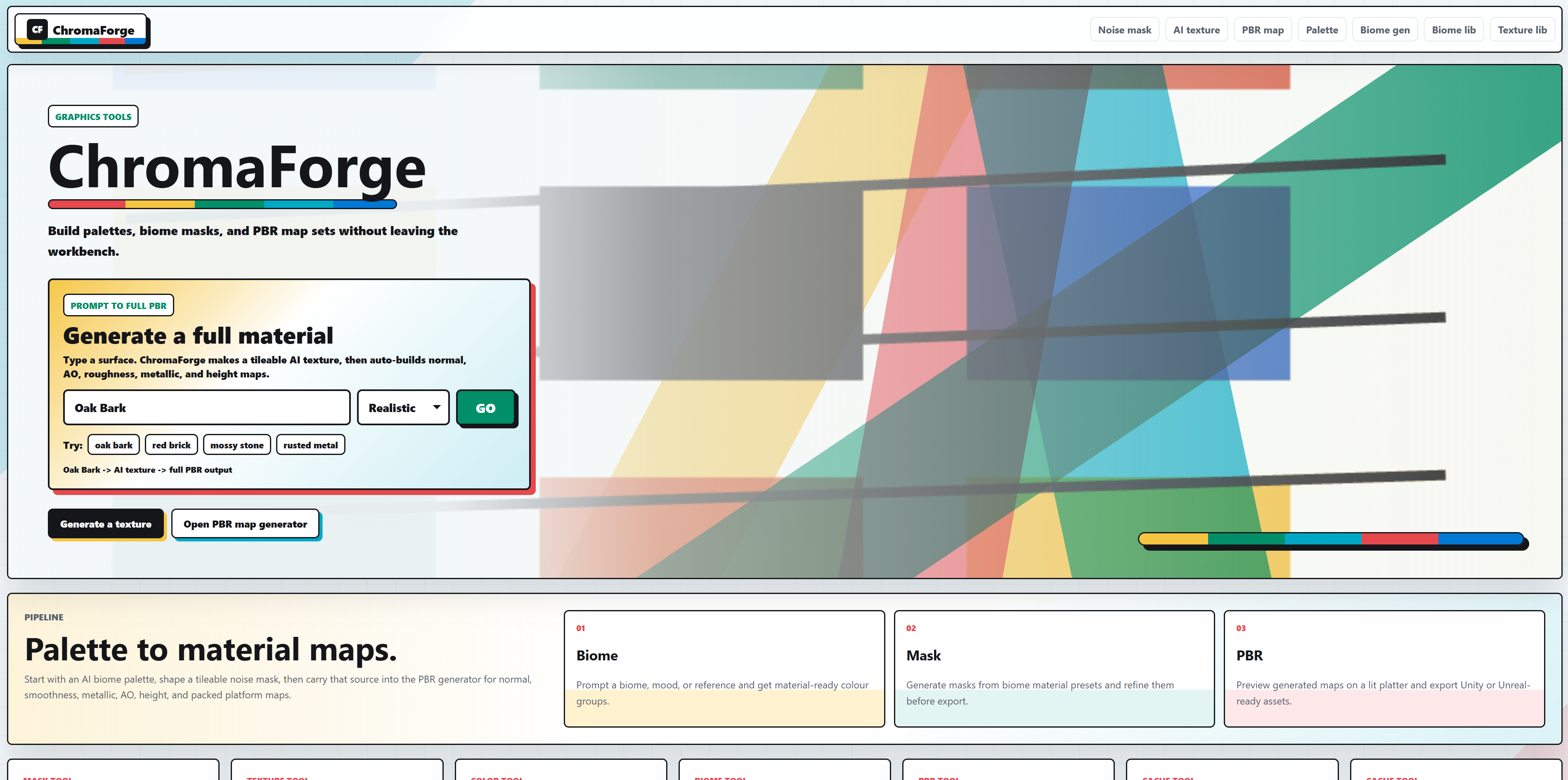
Prompt + controls Flask workflow Texture outputs Three.js preview
webapp
Currently building
ChromaForge
A PBR texture pipeline tool with AI integration, designed to make material creation faster, smoother and more user-friendly.
Rebuilt from a Python prototype into a Flask, HTMX and Three.js material workflow.
Live workflow demo showing material preview and map controls
ChromaForge is a PBR texture pipeline tool focused on speeding up material creation while keeping the workflow friendly and approachable.
It combines AI-assisted generation with a polished interface and practical tooling for building texture sets.
The project puts a lot of emphasis on usability, not just technical output.
It was a rewarding project that allowed me to explore the intersection of AI and creative tools, while also focusing on user experience and practical features for artists.
Overall, ChromaForge is a project that reflects my passion for both technical development and creative tools, and it was a great opportunity to experiment with new technologies while building something useful and enjoyable to use.
It came from a need of a quick and easy way to generate textures for my game projects in Unity, and it was a fun challenge to build a tool that could handle that workflow while also being enjoyable to use.
This project evolved from an earlier tool called Texture Map Generator, which explored procedural PBR map creation in Python before being reworked into a more performant and feature-rich system.
Problem
Texture work needed a faster loop
The original Python prototype proved the idea, but real-time previewing and iteration were too slow for a practical creative workflow. ChromaForge reframed the tool as a web app where generation, map controls, and previewing sit in one focused interface.
Approach
Server-driven controls with a real-time preview
The app keeps the core workflow simple: Flask handles the backend, HTMX keeps interface updates light, and Three.js gives the user an immediate material preview without turning the whole product into a heavy SPA.
Result
A better foundation for creative tooling
The rebuild moved the project away from a useful script and toward a maintainable product: clearer controls, better feedback, a stronger visual pipeline, and room to keep improving map generation quality.
System path
ChromaForge material pipeline
A server-rendered creative tool with AI-assisted generation, map processing, and an interactive Three.js material preview.
Coordinates requests, file handling, and texture processing steps.
Albedo, roughness, normal, height, and supporting PBR maps.
Material updates are inspected in-browser before export or reuse.
- HTMX keeps controls fast without forcing a large client-side state model.
- The preview loop exposes quality issues early, before the texture set is treated as finished.
- The project evolved directly from the Texture Map Generator prototype.
Key Features
- AI-assisted texture generation
- PBR material pipeline workflow
- Real-time preview with Three.js
- User-focused interface design
Challenges
- Balancing AI output quality with usability
- Designing a workflow that feels intuitive rather than technical
- Handling real-time preview performance in the browser